FORMCARRY EXAMPLES
NextJS Contact Form
with only Frontend Code
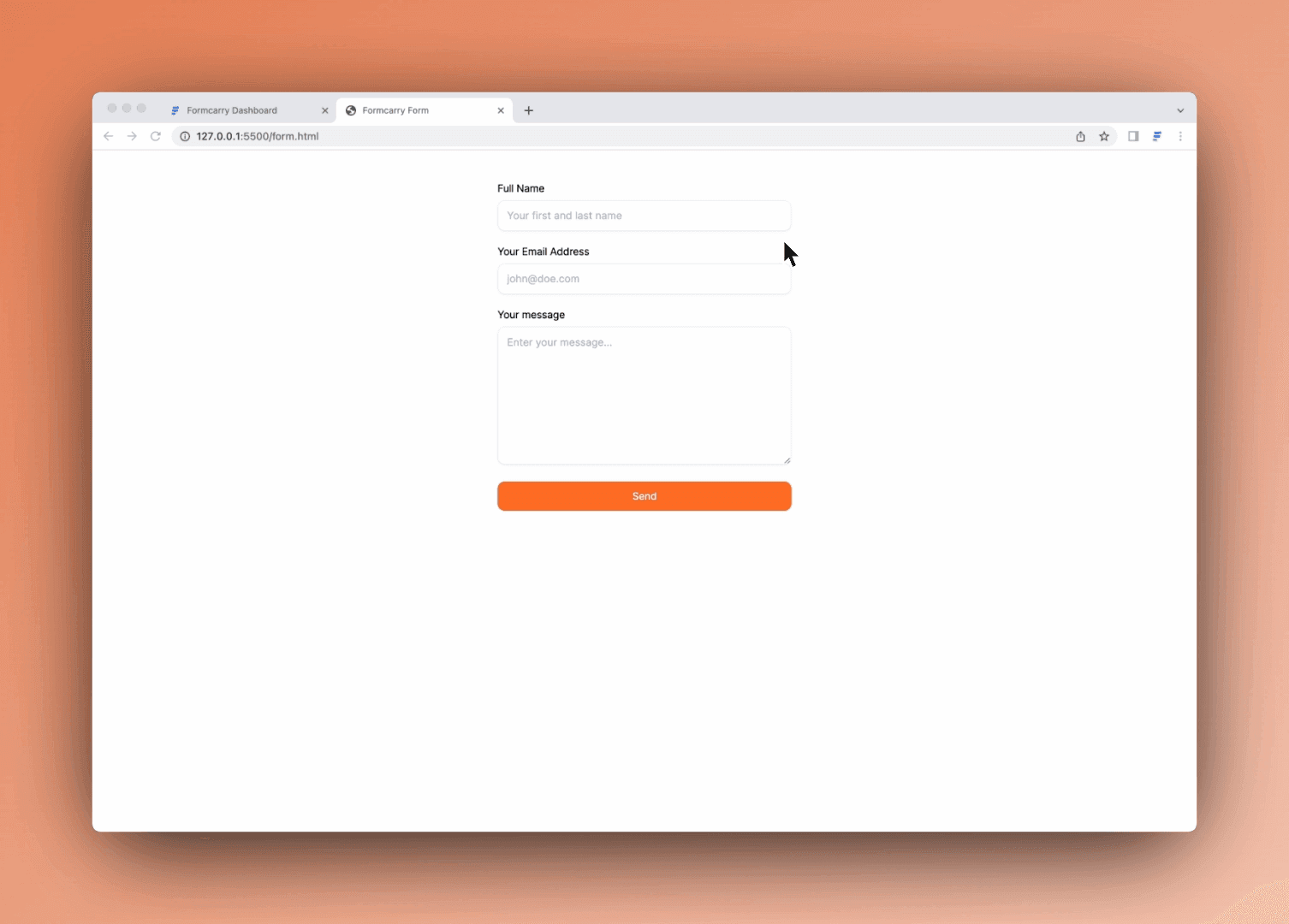
A Next.js contact form does not need its own backend or API route. Point your form at a Formcarry endpoint, submit it with fetch or axios, and start receiving submission emails in minutes. Copy the App Router or Pages Router example below.
What is Next.js
Next.js is a React framework for building full-stack web applications. It gives you file-based routing, server rendering and two router flavors (the modern App Router and the classic Pages Router), while letting you keep writing plain React components.
Formcarry works with Next.js out of the box, and you don't even need an API route: your form posts directly to your formcarry endpoint, so there is no backend code to write or deploy.
Before getting started
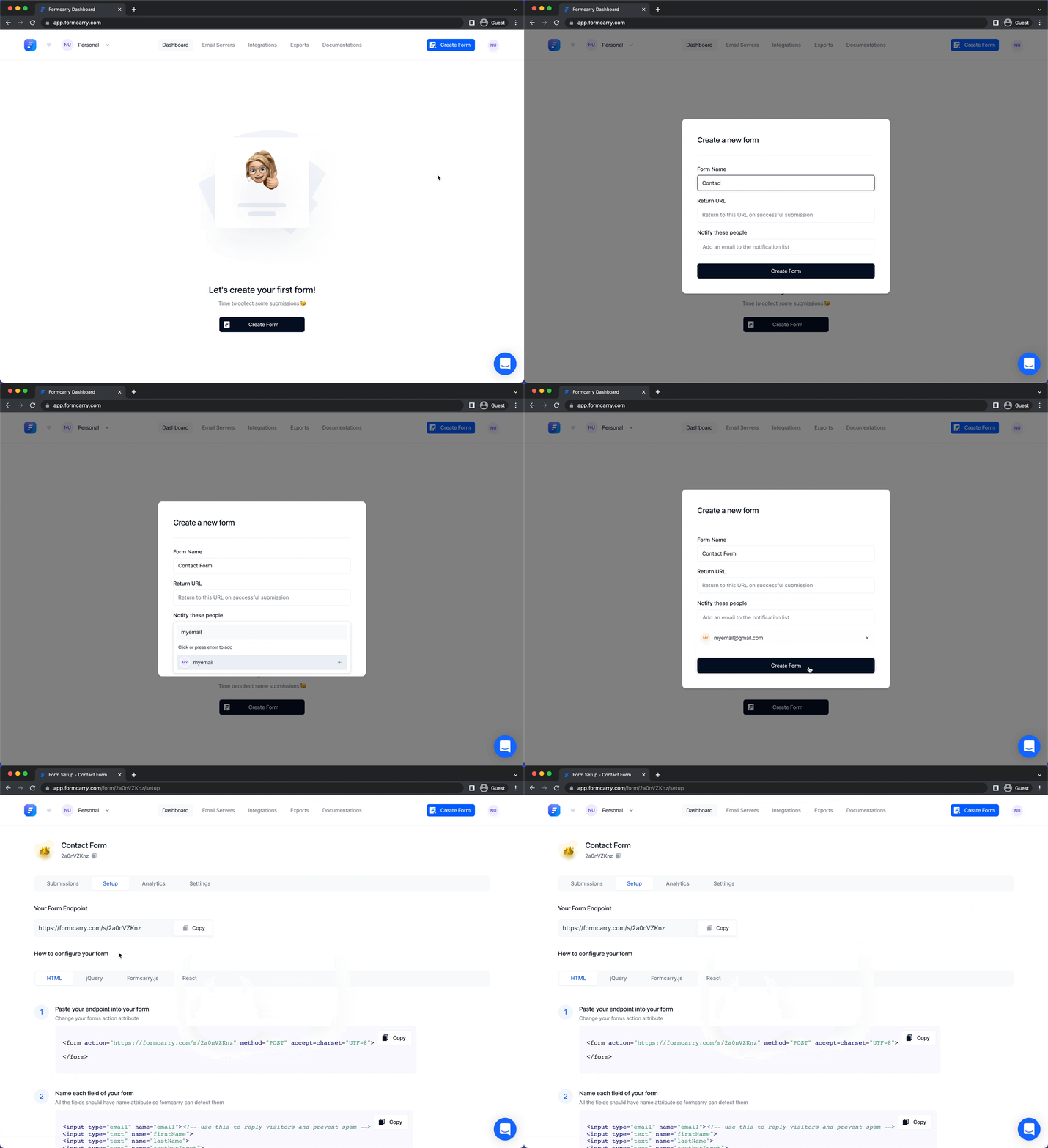
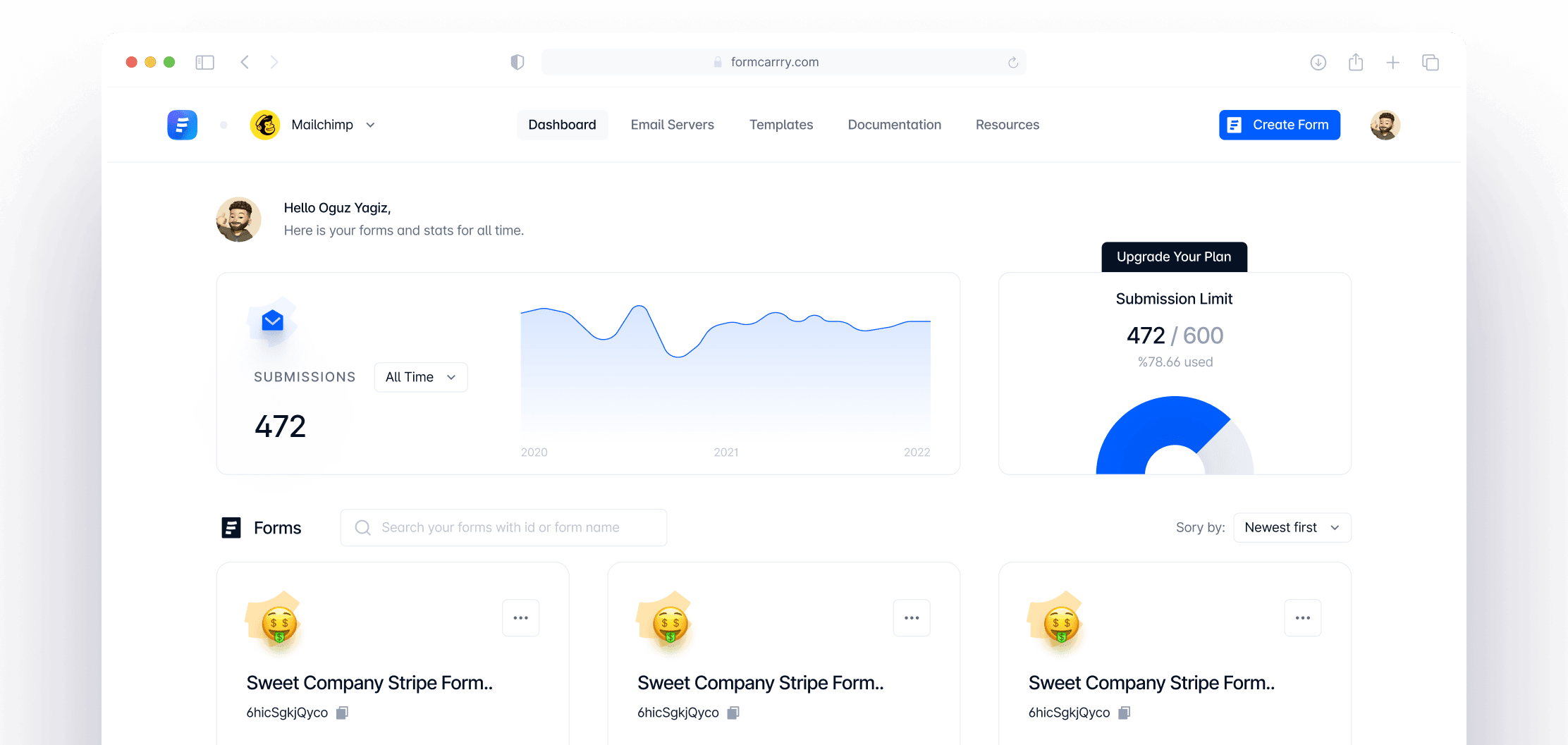
Go to formcarry dashboard and create your first form, land on Setup section of your form then copy your unique endpoint URL.
💡 Each form has its own unique endpoint URL, so make sure you use the right one, otherwise you will not receive messages.
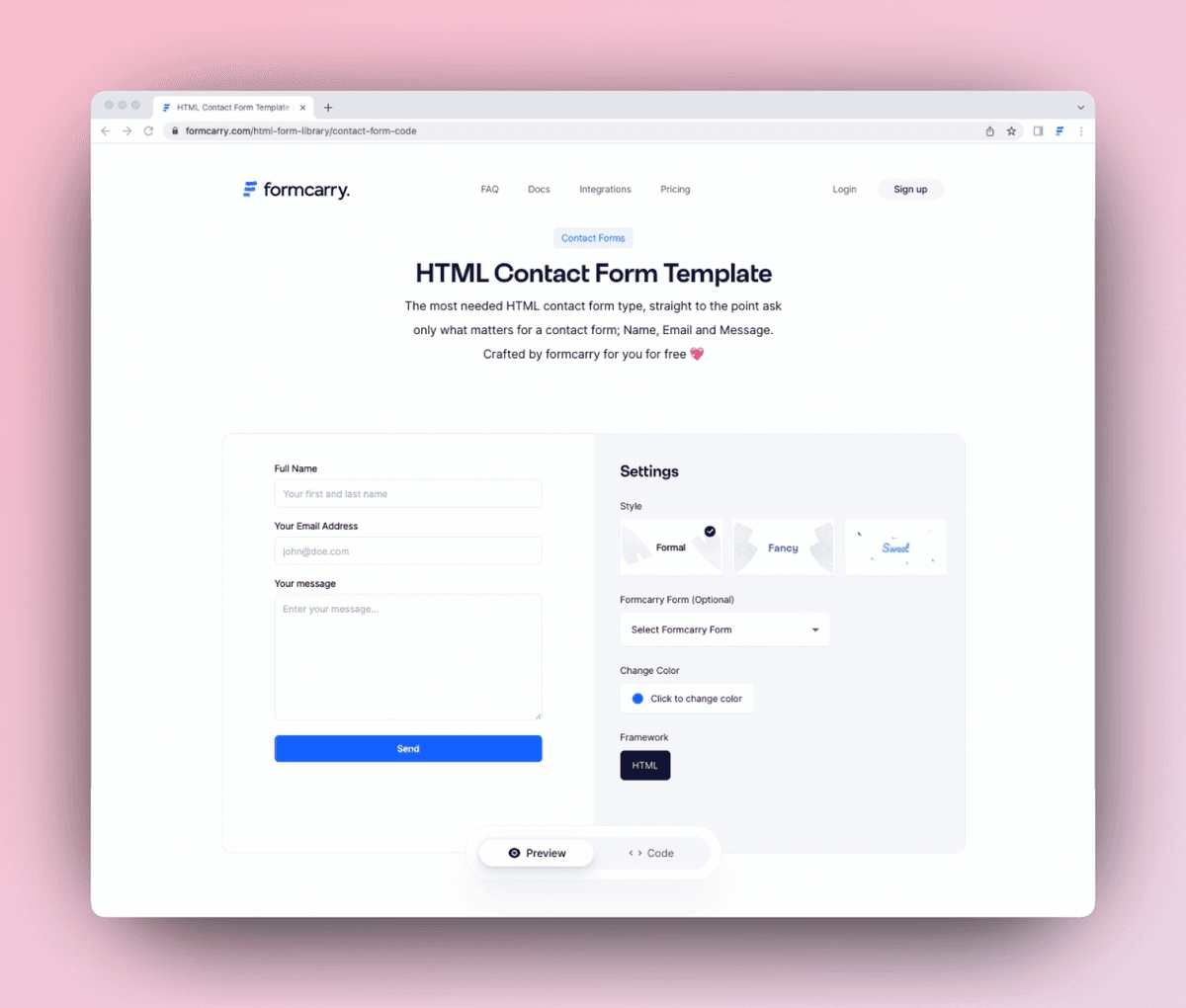
If you don't have a form yet, our free contact form generator exports React components in JavaScript or TypeScript that drop straight into a Next.js project.
Build a Next.js contact form in the App Router
Form submission needs interactivity (state, a submit handler), so the component is a client component: the
Copied example to clipboard 👏
directive at the top is required. Save it anywhere under
Copied example to clipboard 👏
, for example
Copied example to clipboard 👏
. The full example is in the
App Router tab above.
Copied example to clipboard 👏
Copied example to clipboard 👏
- The form posts to your formcarry endpoint with
1Accept: application/json
Copied example to clipboard 👏
Copied example to clipboard 👏
- The submit button is disabled while the request is in flight so visitors can't double-submit.
For the framework's own guidance on forms, see the Next.js App Router forms documentation.
Build a Next.js contact form in the Pages Router
The same component works in the Pages Router without the directive: every component under
Copied example to clipboard 👏
is interactive by default. Drop it into
Copied example to clipboard 👏
(or import it into any existing page) and it just works. See the
Pages Router tab above.
Handling file uploads in a Next.js form
Add file inputs and submit the form as
Copied example to clipboard 👏
: the browser sets the multipart boundary for you, so do not set a
Copied example to clipboard 👏
header yourself. The
Uploading Files tab above shows single, multiple and type-restricted file inputs.
💡 File uploads are available on paid plans.
Do you need a backend or API route for a Next.js contact form?
No. A Next.js contact form can post directly to a form endpoint such as Formcarry, so you never write an API route or email server. A common pattern is posting to
Copied example to clipboard 👏
and forwarding from there (see the
Pages Router API routes documentation), but with formcarry that hop is unnecessary: the endpoint already handles CORS, spam filtering, email notifications and integrations. If you prefer keeping the endpoint out of client code anyway, you can post to it from a Server Action or an API route with a plain
Copied example to clipboard 👏
: the request shape is identical.
Spam protection and validation
Formcarry filters spam automatically on every plan, with optional Google reCAPTCHA for bot-heavy sites. Server-side validation rules (defined in your form's Workflows) return a 422 response listing the failing fields, which the examples above surface as an error message.
Frequently asked questions
How do I send an email from a Next.js contact form?
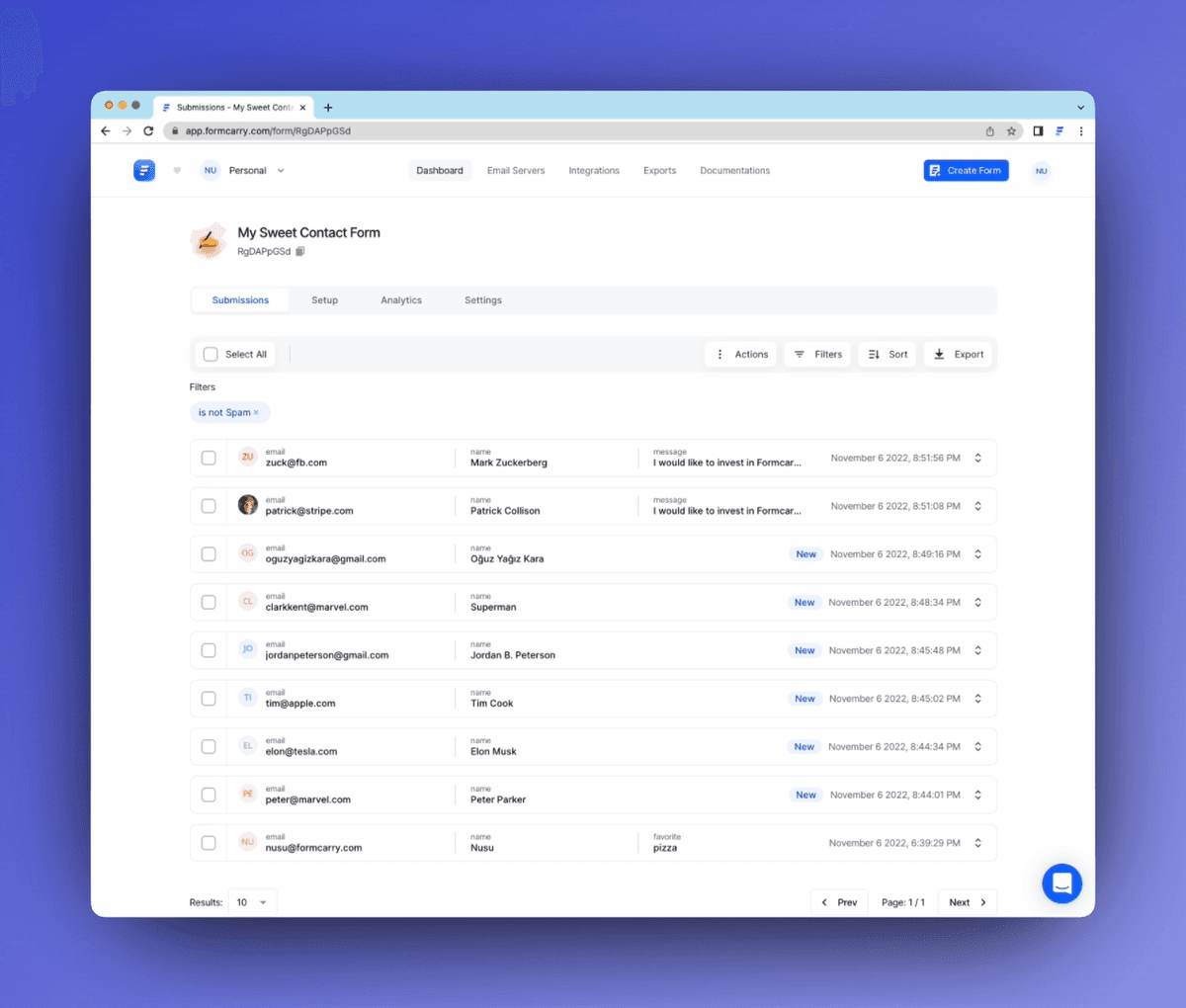
Post the form to your formcarry endpoint. Formcarry emails you every submission and can auto respond to the sender, so you never configure SMTP or Nodemailer.
Should I use a Server Action or a client component?
For a contact form, a client component posting straight to the endpoint is the simplest and works in both routers. Use a Server Action if you want the endpoint URL to stay server-side.
How do I add file uploads?
Use the Uploading Files example above: file inputs plus a FormData submission. Files are stored with the submission on paid plans.
Does this work with static export?
Yes. Because the form posts to an external endpoint, the page can be statically generated or exported; no Node server is needed at runtime.